Gateways
A gateway is the Zynk Insights Gateway installed on a machine running on-premise software such as Sage 50. The Gateways page shows every gateway enrolled in your account and whether it is online.
Downloading the Gateway
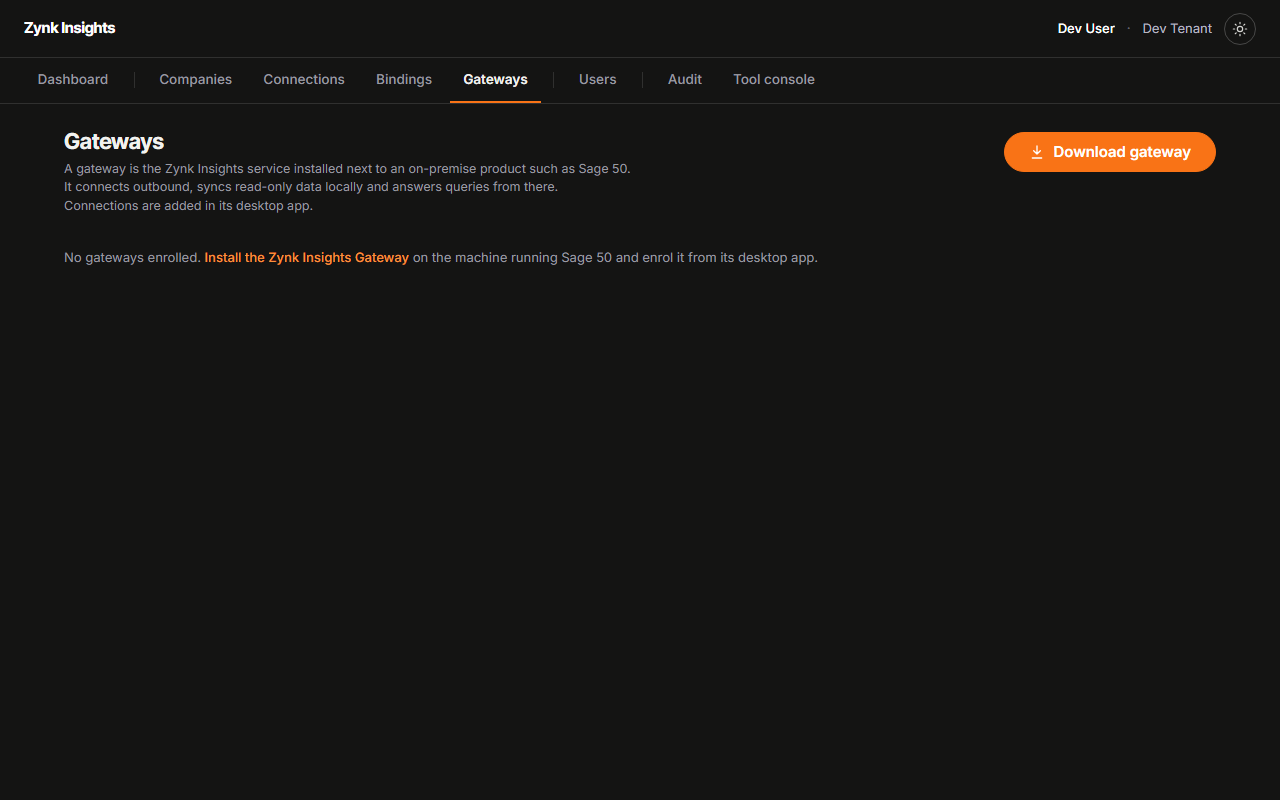
Press Download gateway to download the installer. See Installing.
If no gateways are listed you'll see No gateways enrolled. Install the Zynk Insights Gateway on the machine running Sage 50 and enrol it from its desktop app — see Enrolling.
Gateway Cards
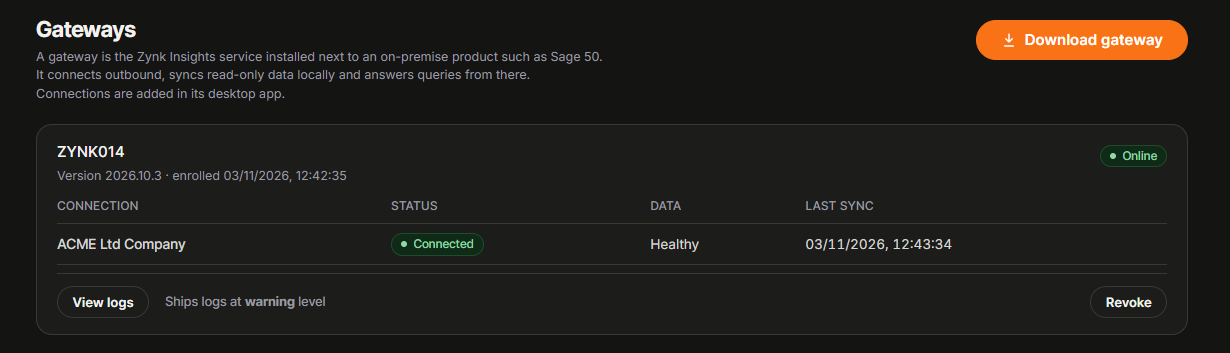
Each enrolled gateway has its own card showing:
- The gateway name and the machine it's on.
- Its version, when it was enrolled and when it was last seen.
- Its status: Online, Offline or Revoked. A gateway shows as offline if it hasn't been heard from for about 90 seconds.
- A table of its Connections, with Status, Data (the health of the local copy of your data) and Last sync.
Connections are added and configured in the gateway's desktop app, not here.
Viewing Logs
Press View logs to see the latest 200 events the gateway has sent, kept for 14 days. Use the level filter (All levels, Debug, Information, Warning, Error, Critical) and press Filter to narrow them down, or Clear to reset.
Log Ship Level
By default a gateway only sends warnings and errors. To see more while investigating a problem, open Ships logs at warning level, choose a level and press Apply:
- Warnings and errors — the default.
- Everything (information)
- Debug (troubleshooting — set back afterwards)
The change takes effect within a minute. Remember to set it back to Warnings and errors afterwards.
Revoking and Deleting a Gateway
- Revoke — stops the gateway connecting and answering questions immediately. Do this if the machine is lost, retired, or the gateway has been uninstalled.
- Delete — removes a revoked gateway from the list. You must revoke it first, and unbind its Connections from their Companies.
Note
To move the gateway to a new machine, install and enrol it there, recreate the Sage 50 connection, then revoke and delete the old gateway here.