Signing In
The Zynk Insights portal is at insights.zynk.com. You sign in with your email address and a code we email you; there's no password.
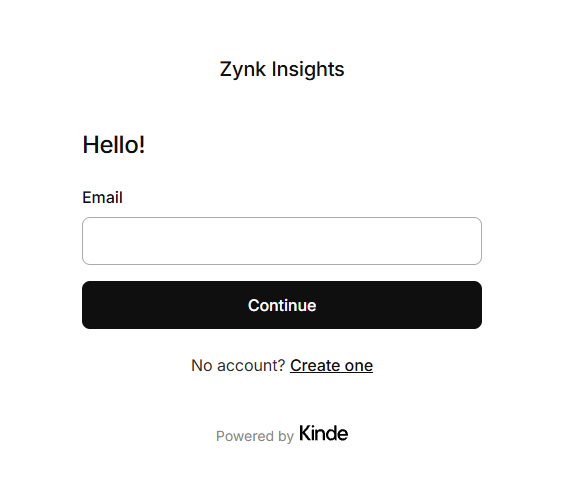
Signing Up
- Choose a plan on zynk.com/pricing and press Start 7-day free trial.
- Enter your email address, then the six-digit code we email you.
- Enter your card and business details, then press Start trial. Nothing is taken until your trial ends, and you can cancel before then.
- Your account is created and you go straight to the portal's setup page, which walks you through connecting your data and your AI assistant.
The person who signs up becomes the account's Admin.
Want to talk it through first?
Our sales team can help you choose a plan and get set up: [email protected] or zynk.com/contact.
Inviting Colleagues
To add a colleague, email [email protected] with their name and email address. Once they've signed in for the first time, they appear on the Users page as a Member.
Note
A new Member can't see any data until an Admin grants them access to at least one Company. See Users & Grants.
The Portal Header
Once signed in, the header shows your name and your account name. On the right:
- The sun / moon button switches between light and dark mode. Your choice is remembered on this browser.
- Sign out signs you out of the portal.
The menu bar gives you the main pages:
- Dashboard
- Companies, Connections, Bindings and Gateways
- Users
- Audit and Tool console
Admins and Members
Admins can change everything in the portal. Members can view pages and use the Tool console, but if a Member tries to change something they will see Only tenant admins can do that.
Note
After Zynk updates the service you may occasionally be asked to sign in again. This is expected.