Workspaces
A Workspace keeps the day-to-day work for one store or brand in its own space, inside your Organisation. Each Workspace has its own Connections, Agents, Records and Alerts.
If you run more than one store or brand, giving each its own Workspace keeps their data separate.
Adding a Workspace
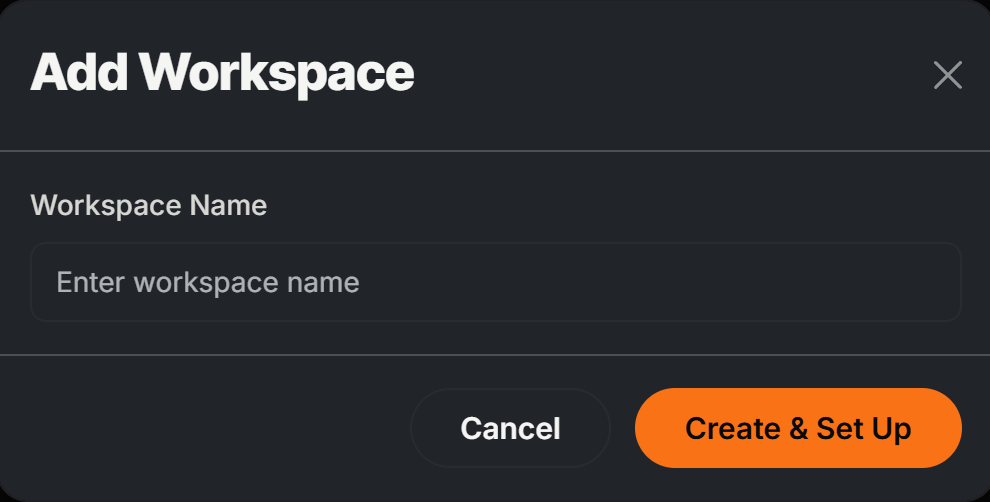
- Click the dropdown next to your username in the top right and select Add Workspace.
- Enter a name for the Workspace.
- Click Create & Set Up.
Switching between Workspaces
If you have access to more than one Workspace, use the switcher beside the dropdown next to your username to move between them.
Who can see a Workspace
Users are given access to each Workspace separately. To give someone access to another Workspace, open that Workspace's Users page and use Link existing.
Billing
All your Workspaces are billed together, under your Organisation's plan. See Billing.