Connecting to Inventory Planner
All of the tasks in the Inventory Planner connector require a connection to your Inventory Planner account, so you will need to create a connection of the type 'Inventory Planner' via the Connection Manager. You will see a screen like the one below, requesting your Inventory Planner details:
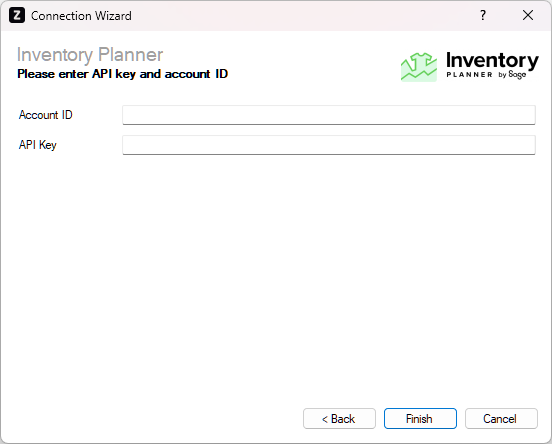
Enter your Inventory Planner details as described below, then click 'Finish' to create the connection.
Account ID
Required
Enter the account ID provided by Inventory Planner under Account > Settings > API.
API Key
Required
Enter the authorisation key provided by Inventory Planner under Account > Settings > API.