Connecting to Dovico Timesheet
All of the tasks in the Dovico Timesheet connector require a connection to your Dovico Timesheet account, so you will need to create a connection of the type 'Dovico Timesheet' via the Connection Manager. You will see a screen like the one below, requesting your Dovico Timesheet details:
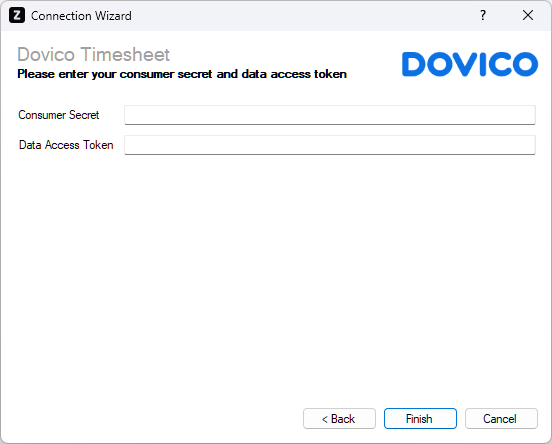
Enter your Dovico Timesheet details as described below, then click 'Finish' to create the connection.
Consumer Secret
Required
Enter the consumer secret token provided by Dovico Timesheet under Setup > Company > API tab.
Data Access Token
Required
Enter the data access token provided by Dovico Timesheet under Setup > Company > API tab. Alternatively, you can use a user data access token, which is specific to a particular user and only grants access to the data permitted by their security settings. User data access tokens are available by moving the mouse over the employee's name in the upper right corner and selecting 'Settings'.