Connecting to SugarAI
Note
This documentation refers to our legacy SOAP connector for SugarAI. We recommend using REST when building new integrations with SugarAI.
All of the tasks in the SugarAI connector require a connection to SugarAI, so you will need to create a connection with the type 'SugarAI (SOAP)'. See Managing Connections for instructions on creating a new connection. You will see a screen like the one below, requesting your SugarAI details:
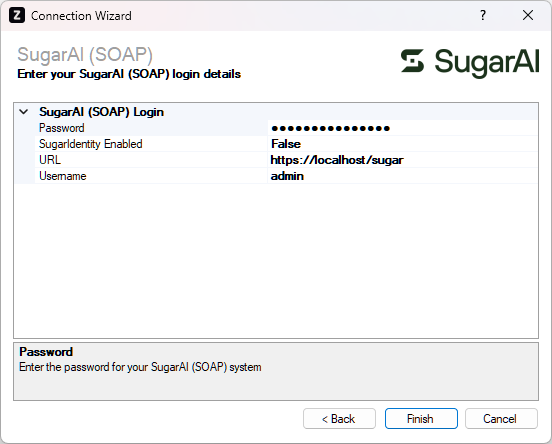
Enter your SugarAI details as described below, then click 'Finish' to create the connection.
Settings
Password
Required
Enter the password for the SugarAI user.
URL
Required
Enter the address of your SugarAI system e.g. http://crm.example.com.
Username
Required
Enter the username to log into SugarAI with.