Connecting to Google Workspace
All of the tasks in the Google Workspace connector require a connection to Google Workspace, so you will need to create a connection with the type 'Google Workspace'. See Managing Connections for instructions on creating a new connection. You will see a screen like the one below.
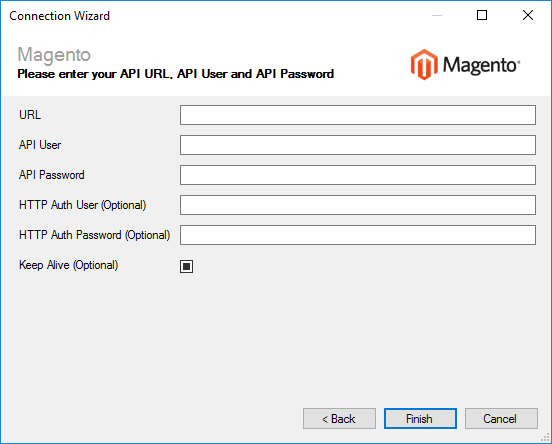
Enter your Google Workspace details as described below, then click 'Finish' to create the connection.
Settings
Token
Required
Click the 'Generate' button to obtain a token that allows Zynk to access to your Google Workspace data. This will open a Google login page in your web browser. Once you log in, you will be asked to approve Zynk Workflow to access your account. Once approved, a token will be automatically generated.